
Quick Share for Linux is Here: Seamless High-Speed File Transfer for Ubuntu and Beyond
Quick Share is officially available on Linux via the Snap Store. Experience seamless, high-speed, cross-platform file transfers between Linux, Windows, macOS, Android, and iOS.

For Linux enthusiasts, system administrators, developers, and everyday desktop users, the open-source and Linux software ecosystem offers unparalleled freedom, performance, and customization. However, when it comes to routine tasks like sending photos from a smartphone to an Ubuntu desktop, sharing code snippets between workstations, or transferring large video files to a colleague's laptop, Linux users have often been left behind.
While Apple users enjoy AirDrop and Android users have local sharing solutions, cross-platform file sharing on Linux has historically required complex workarounds: setting up SSH/SFTP servers, configuring local Samba shares, sending attachments to self-addressed emails, or relying on cloud services that throttle transfer speeds and compromise data privacy.
Today, we are thrilled to announce that the official Quick Share for Linux application is live and available for download! Published directly on the Snap Store, Quick Share brings native, zero-configuration, high-speed file transfers to Ubuntu, Fedora, Debian, Manjaro, Arch Linux, and every major Linux distribution supporting Snap packages.
Why Quick Share on Linux is a Game Changer
Quick Share on Linux isn't just a Web wrapper or an afterthought; it is designed to feel like a native desktop companion. Whether you are running GNOME, KDE Plasma, XFCE, or a lightweight tiling window manager, Quick Share delivers a smooth, intuitive, and reliable file-sharing workflow.
Here is why Quick Share for Linux is an essential addition to your desktop environment:
1. True Universal Compatibility
Break down operating system silos once and for all. Quick Share on Linux seamlessly communicates with:
- Android devices via our native Android app or Web client.
- Windows PCs running the Quick Share Windows app.
- macOS and iOS devices via the Apple app suite.
- Any web browser via Quick Share Web for instantaneous, installation-free transfers.
2. High-Speed Local Peer-to-Peer Transfers
When both devices are on the same local Wi-Fi or Ethernet network, Quick Share prioritizes local peer-to-peer (P2P) connections. Transfers execute at full network hardware speed, allowing you to move multi-gigabyte ISO files, high-resolution video recordings, or massive source archives in seconds—without consuming external internet bandwidth.
3. Native Background Integration
Keep your workspace clean. The Quick Share Linux application runs quietly in your desktop background or system tray. You can discover nearby devices and receive incoming file requests automatically without keeping open browser tabs or cluttering your dock.
4. Privacy and Security First
Your data belongs strictly to you. Local network transfers are encrypted end-to-end and travel directly from sender to receiver. Files never touch centralized remote servers, ensuring your sensitive project files, personal media, and private documents remain completely confidential.
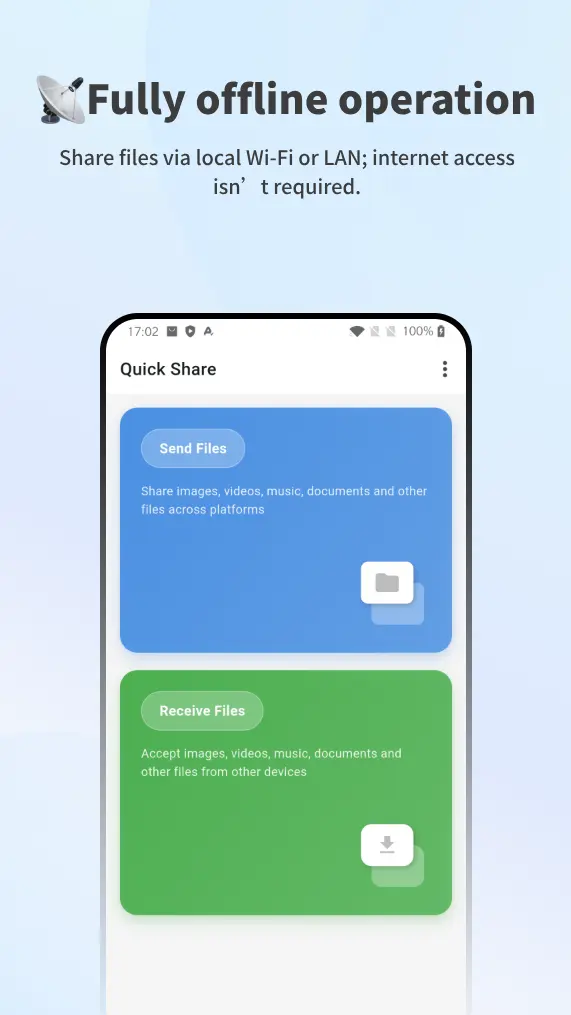
Step-by-Step Tutorial: Installing Quick Share on Linux
We made installing Quick Share on Linux as simple as running a single command or clicking a button in your software center.
Method 1: Installing via Terminal (Recommended for Power Users)
If you use Ubuntu, Debian, Fedora, Manjaro, or any distro with snapd enabled, open your terminal and run:
sudo snap install quick-share
Once installed, launch Quick Share directly from your terminal or application menu:
quick-share
Method 2: Installing via Graphical Software Center
- Open your system's software manager (such as Ubuntu Software, GNOME Software, or KDE Discover).
- Search for
Quick Share. - Click Install and enter your administrator password.
- Launch Quick Share from your desktop application launcher.
You can also view our official store page on Snapcraft: Quick Share on Snap Store.
Step-by-Step Tutorial: Setting Up & Sending Your First File
Once installed, getting started takes less than two minutes.
Step 1: Initial Launch & Device Naming
When you open Quick Share for the first time:
- Name Your Linux Machine: Assign a clear hostname (e.g.,
Ubuntu-WorkstationorThinkPad-Linux). This is the display name nearby devices will see when discovering your PC. - Configure Discoverability: Set your visibility preference to Visible to Everyone (for open sharing on trusted home/office Wi-Fi) or Hidden when working on public networks.
- Select Download Folder: Choose where incoming files should be saved (defaults to
~/Downloads).
Step 2: Sending Files from Linux to Mobile or PC
- Open the Quick Share window on Linux.
- Drag and drop any file or folder directly into the application window, or click Select Files.
- Quick Share automatically scans your local network for active devices.
- Click on the recipient device (e.g.,
Jane's iPhoneorGalaxy S24). - The receiver accepts the prompt, and transfer begins immediately with a real-time progress bar.
Step 3: Receiving Files on Linux from Mobile
- On your iPhone, Android, or secondary computer, open Quick Share (or navigate to Quick Share Web).
- Select your file and tap Send.
- Choose your Linux machine's name from the discovered devices list.
- A prompt will appear on your Linux desktop: "Galaxy S24 wants to send 3 photos."
- Click Accept, and the files will instantly save to your designated downloads directory.
Powerful Use Cases for Linux Users
- Developer Workflow: Quickly push APK builds, logs, binaries, or configuration files from your Linux development workstation to test phones without plugging in USB cables or setting up ADB over Wi-Fi.
- Content Creation & Editing: Transfer raw video footage captured on an iPhone or Android phone directly to Kdenlive, DaVinci Resolve, or Blender on your Linux workstation.
- Dual-Boot & Multi-PC Productivity: Easily share screenshots, documents, and archives between dual-boot partitions, Linux laptops, and Windows work rigs without USB thumb drives.
Download Quick Share for Linux Today
The barrier between Linux desktops and mobile ecosystems is officially gone. Download Quick Share today and experience the ultimate cross-platform file sharing solution for Linux.
We are actively improving Quick Share based on community feedback. If you have feature requests, bug reports, or suggestions for our Linux release, feel free to reach out to our team or join our community discussions!